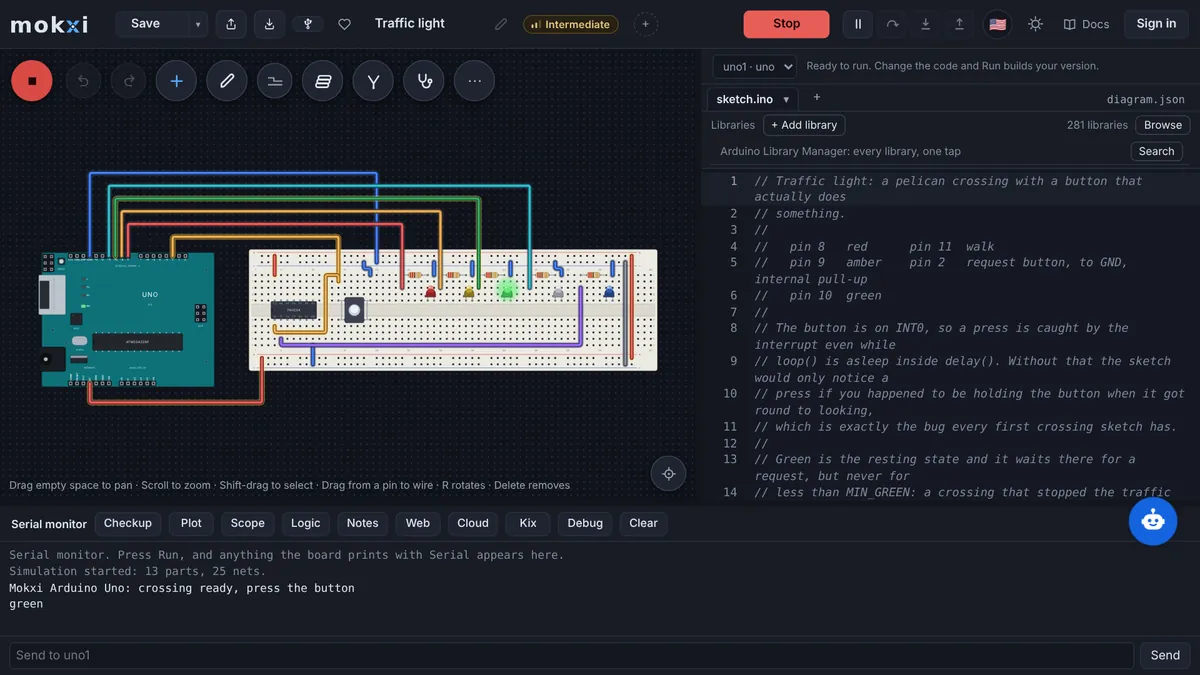
Mokxi is a free electronics simulator for Arduino, ESP32, Pico and STM32, in your browser.


Students at 84 schools build with Mokxi

“I’d been looking for a real online electronic simulator that was intuitive and complete when I found Mokxi. I was able to quickly import a Fritzing file and my Arduino sketch and start testing. Mokxi has all of the makings for the best online Arduino simulator I have been able to find!”
503 parts
On 44 boards: Arduino, ESP32, Pico, STM32 and more, each part drawn by the code that simulates it.
makers
Students, teachers and tinkerers building on Mokxi, free to start.
969 projects
Built in and ready to open, from a first blink to a game console.
From the first wire to a board on your desk.
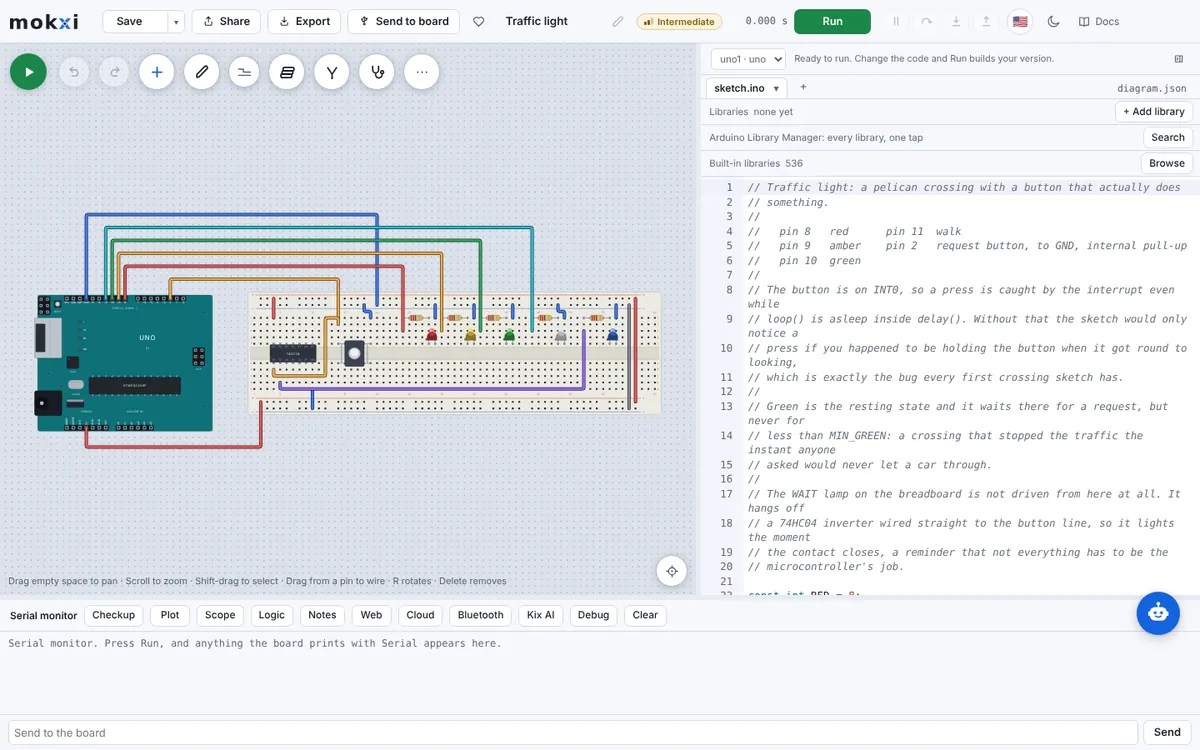
Wire it the way you would on the bench.
Drag parts onto a breadboard and run each wire from pin to pin. Every part is drawn by the same code that simulates it.
Learn morePress Run and watch the real firmware.
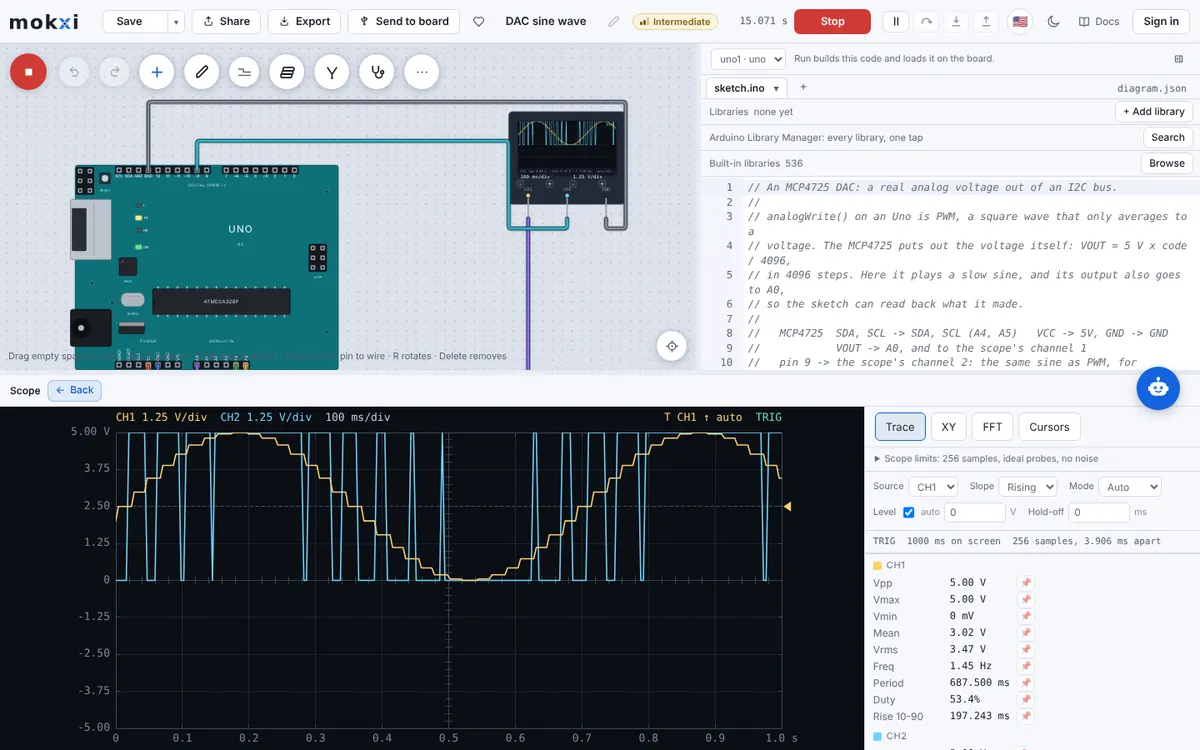
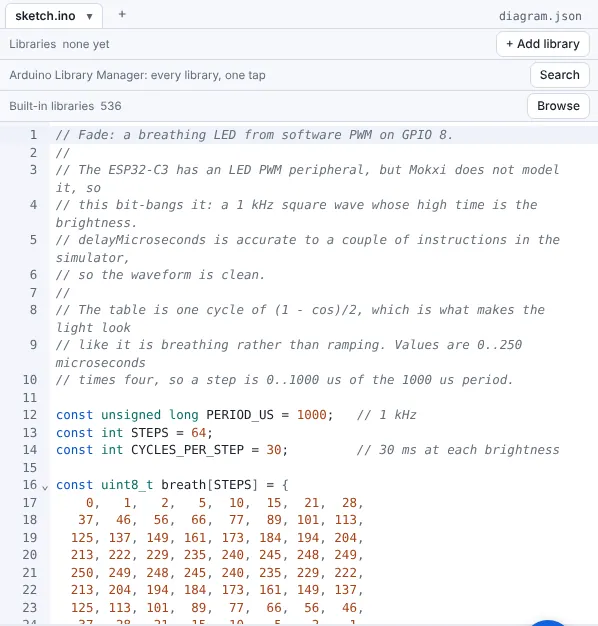
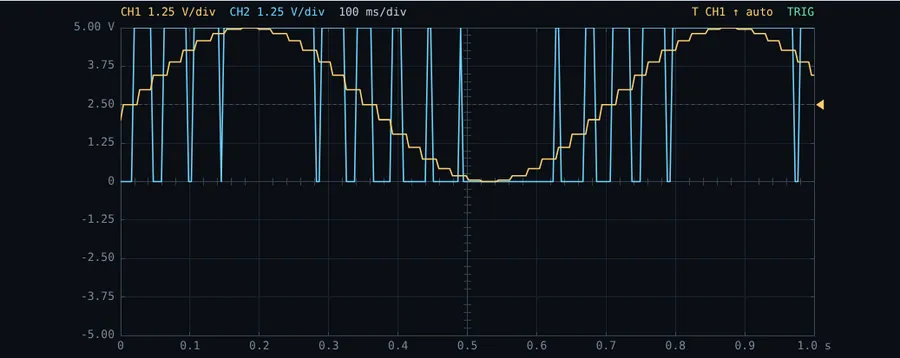
Your sketch compiles in the tab and runs on a model of the chip, with a serial monitor, a plotter and a scope.
Learn moreTake it off the screen.
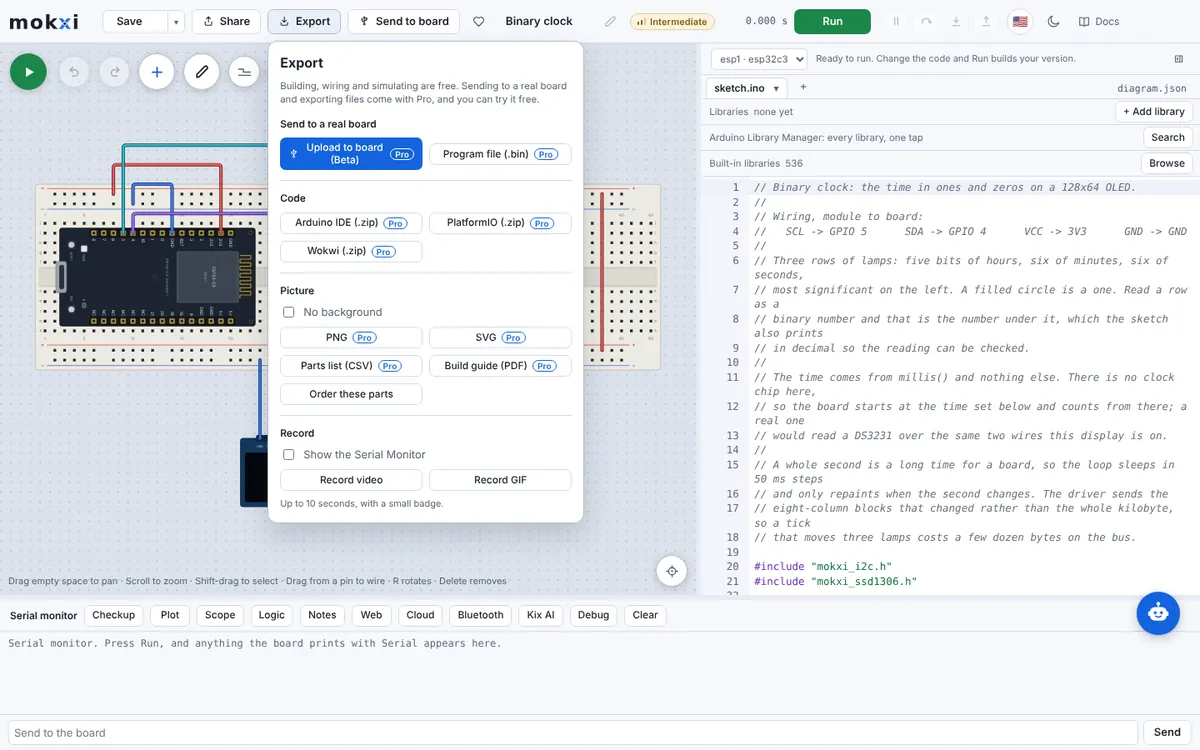
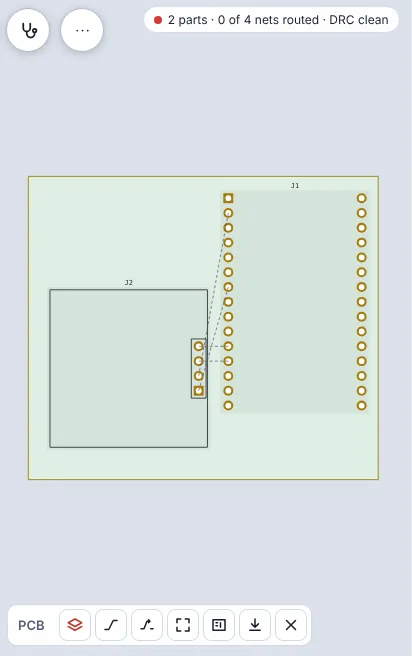
Send the sketch to a real board, or lay the circuit out as a PCB with its Gerbers and parts list. Those come with Pro, and the trial has them.
Learn more
“The AI checker helps check and correct my circuits, and it has way more components than Tinkercad. As a student I really appreciate the tool.”
Your circuit isn’t failing
because of you.
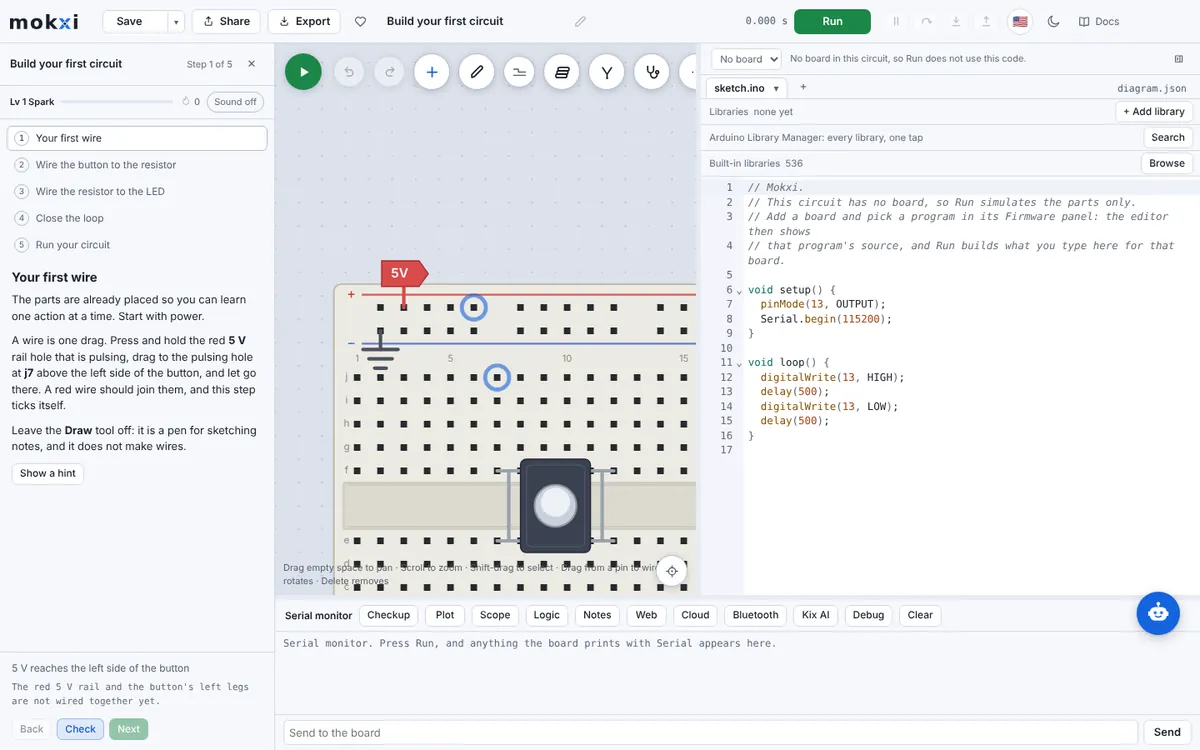
Most first circuits fail on the bench for small reasons: an LED with no resistor, a pin that is never set, a button left floating, a short to ground. Mokxi’s Checkup and Kix AI check read your circuit and your code and name each one, with the fix, before you buy a single part.
 Problem found
- Supply not shorted to groundOK
- Grounds joinedOK
- pinMode setOK
- Serial.begin calledOK
- LED has a resistorNo resistor on pin 13
- Button pin pulledPin 2 floats
Parts OK
Arduino UnoBreadboardPushbuttonFix these
LED on pin 13Button on pin 2Runs on Arduino Uno · ESP32 · Raspberry Pi Pico · STM32 · ATtiny85
Everything in the parts bin
Here's every part waiting for you, each one drawn by the very code the editor runs.
Real boards, built from the datasheets
Each board has its own memory map. Open its page to see what runs here, what transfers to hardware, and what the model does not cover yet.
A RISC-V chip at 160 MHz, on the real memory map.
The classic Arduino, with an ATmega328P running at 16 MHz.
The Uno’s chip on a small board that fits a breadboard.
The big Arduino, with 54 digital pins and four serial ports.
An Uno-shaped board whose chip does its own USB serial.
A second RISC-V board, with 31 pins and simulated WiFi.
The classic ESP32 at 240 MHz, with simulated WiFi.
The ESP32-S3 at 240 MHz, with USB serial and an RGB LED.
Compiles in your browser. No build queue. How fast, measured
Start free, go Pro when you build for real.
Every board, every part and the simulator are free. Pro adds sending to a real board, clean pictures, private projects and more of Kix every day.
Compare all plans“I’m using Mokxi to develop and simulate an STM32-based four-wheel-drive robot car before building the actual hardware. It allows me to experiment with DC motor control, PWM, RPM measurement using photointerrupters, and different acceleration, braking, and reversing strategies, helping me understand and refine the system before implementing it in real life.”
For when you build it for real.
- Everything in Free, plus:
- Upload to your real board
- Schematic and PCB ordering
- Clean pictures, no badge
- Unlimited private projects
- Works offline
- Kix AI every day
- EE lab and exam prep
- Commercial use
- Visa
- Mastercard
- American Express
- Discover
- Apple Pay
- Google Pay
- Amazon Pay
- Cash App Pay
- Klarna
- ACH Direct Debit
- SEPA Direct Debit
- UPI
14-day money backSecure checkout by Stripe
For anyone learning electronics.
- Unlimited building and simulation
- Every board and part
- 10 public projects
- 5 questions to Kix AI a day
- Real internet for WiFi boards
“The AI checker helps check and correct my circuits, and it has way more components than Tinkercad. As a student I really appreciate the tool.”
Simulate any board, from an Uno to an ESP32-S3.
Each board runs its own compiled firmware on a model built from the datasheet, with its own memory map, timers and pins.
Learn moreAsk Kix AI when it will not behave.
Kix reads your circuit and your code, explains what it does, and suggests a fix you can apply in a press.
Learn more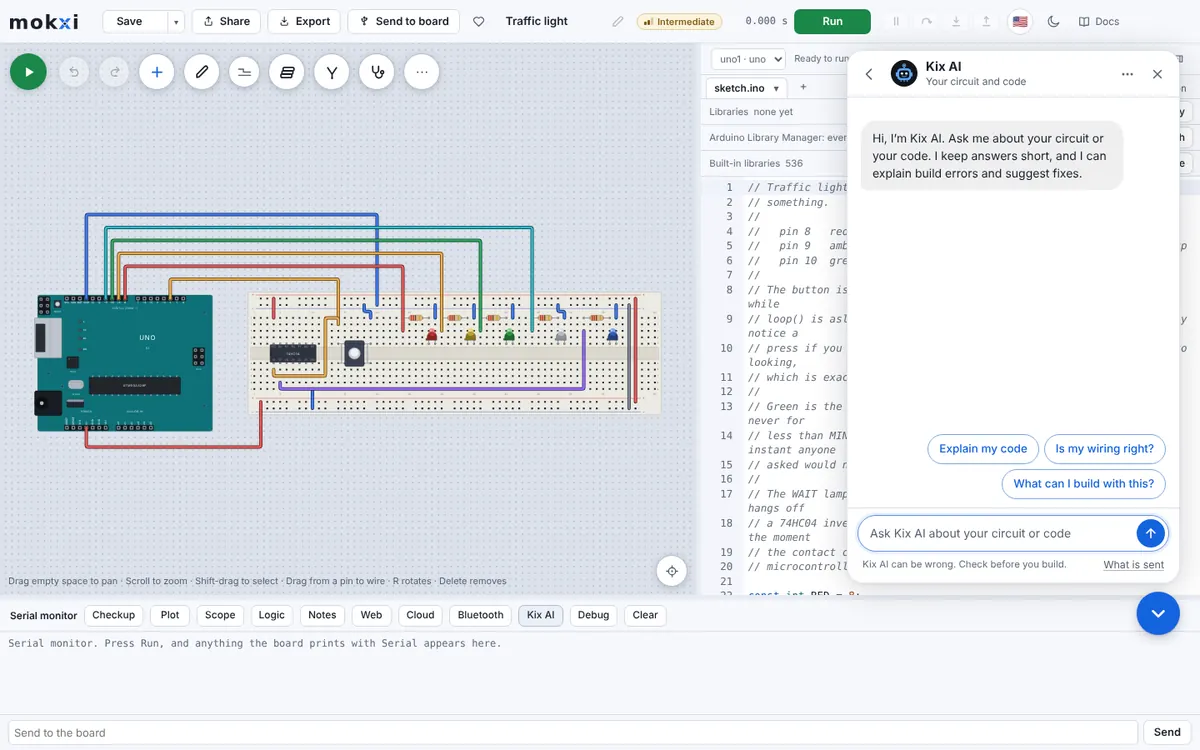
Export a real PCB when it works.
Lay the circuit out as a board, route it and check it, then take the Gerbers, drill file and parts list to a fab house.
Learn more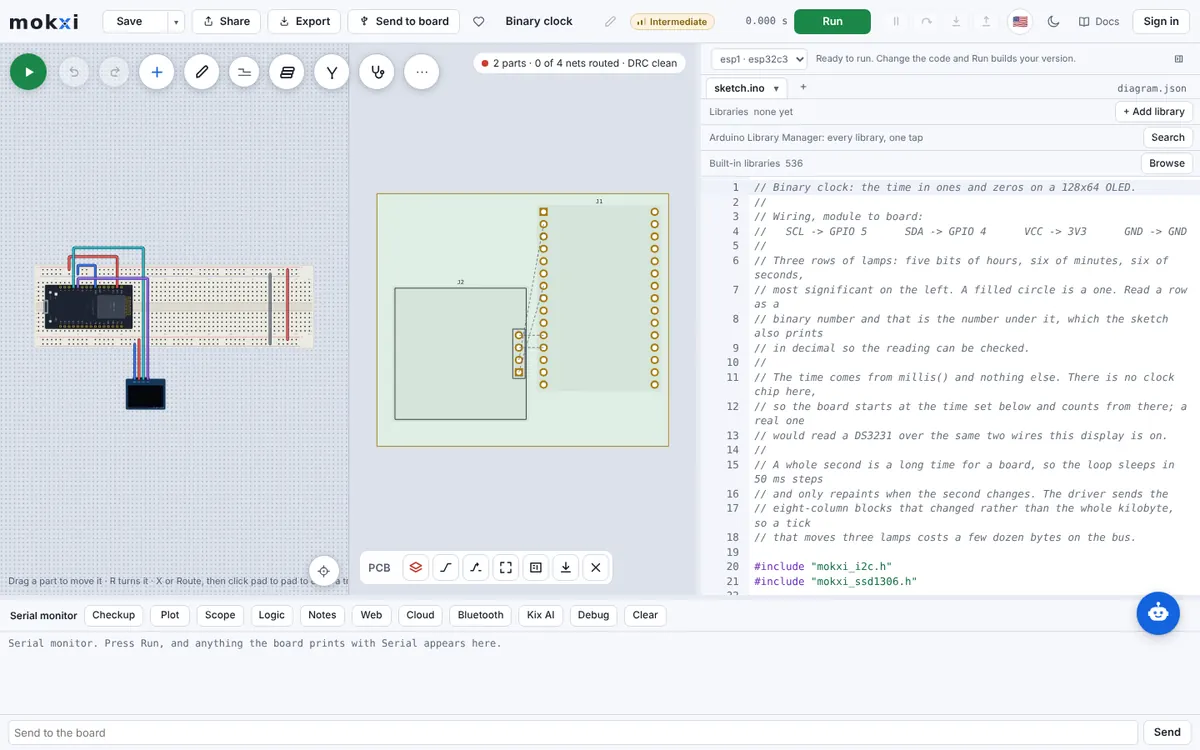
Teach a class with lessons that check themselves.
Give a class starter circuits and step-by-step lessons the simulator checks as students wire, and see who is stuck.
Learn moreWhat makers say about Mokxi
“The AI checker helps check and correct my circuits, and it has way more components than Tinkercad. As a student I really appreciate the tool.”
“I’d been looking for a real online electronic simulator that was intuitive and complete when I found Mokxi. I was able to quickly import a Fritzing file and my Arduino sketch and start testing. Mokxi has all of the makings for the best online Arduino simulator I have been able to find!”
“I’m using Mokxi to develop and simulate an STM32-based four-wheel-drive robot car before building the actual hardware. It allows me to experiment with DC motor control, PWM, RPM measurement using photointerrupters, and different acceleration, braking, and reversing strategies, helping me understand and refine the system before implementing it in real life.”
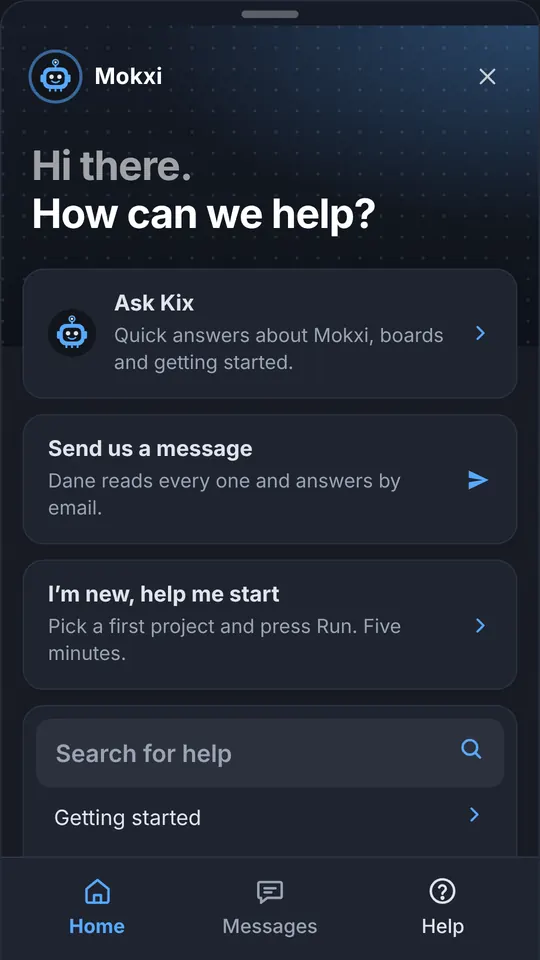
The same editor, in your pocket.
Drag a part, run a wire and hold a button with one finger. Mokxi runs right in your phone’s browser, with the same account and projects.
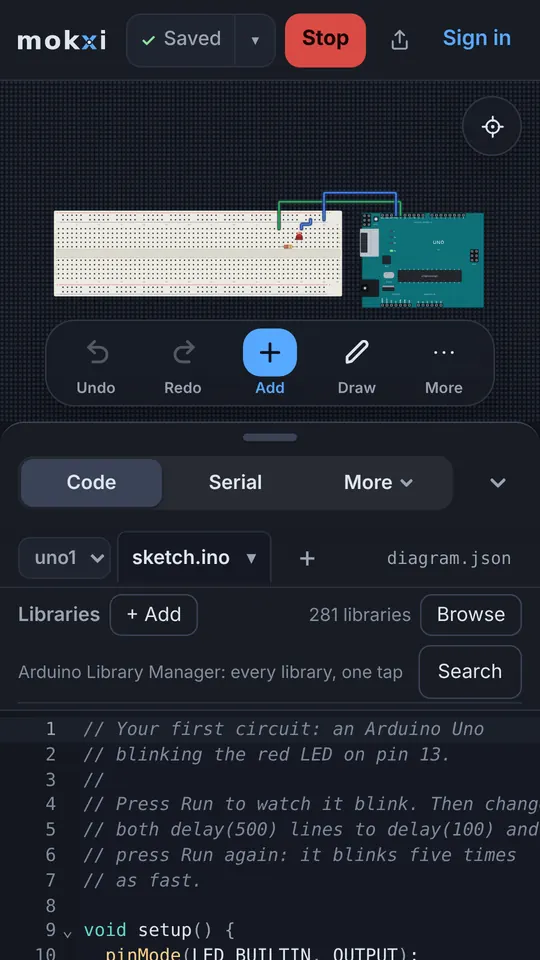
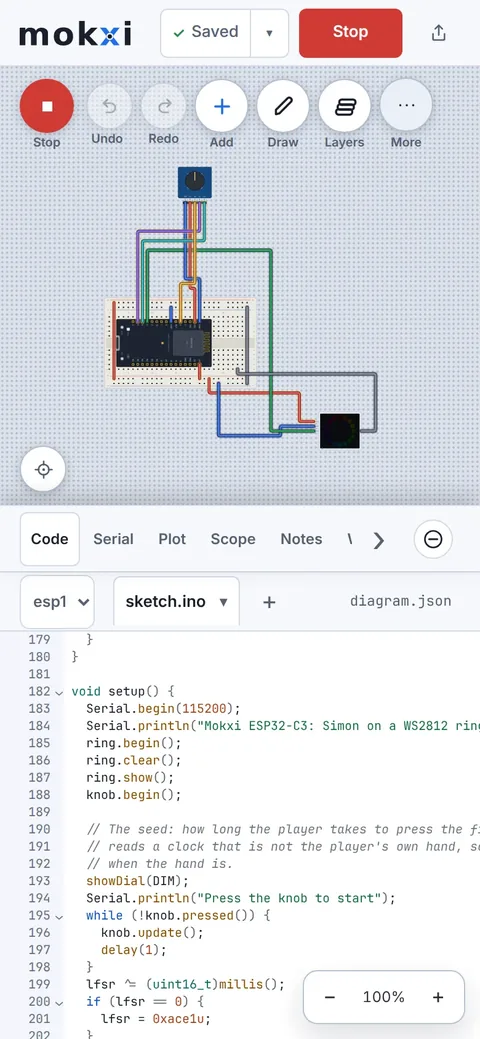
What Mokxi is
Mokxi is a free electronics simulator that runs in your web browser. Wire a breadboard, write C++ firmware and press Run, even on a school Chromebook.
- Runs in your browser
- No install, no account to start
- Every board and part free
Simulators
Teachers and schools
Every board (44)
Compare all boards- Arduino
- ESP32 and ESP8266
- ESP32 DevKit V1
- ESP32-C3-DevKitM-1
- ESP32-C6-DevKitC-1
- ESP32-S3-DevKitC-1
- Seeed XIAO ESP32-C3
- ESP32-C3 SuperMini
- Seeed XIAO ESP32-C6
- ESP32-DevKitC V4
- Wemos LOLIN32 Lite
- Seeed XIAO ESP32-S3
- Arduino Nano ESP32
- Wemos D1 R32
- Cheap Yellow Display (ESP32-2432S028R)
- LilyGO TTGO T-Display
- ESP8266 NodeMCU V1.0
- Wemos D1 mini
- ESP-01S
- Raspberry Pi
One circuit, already running
The online circuit simulator- Op-amp simulator
- LED circuit simulator
- Servo simulator
- LCD simulator
- OLED simulator
- NeoPixel simulator
- 7 segment display simulator
- LED matrix simulator
- Stepper motor simulator
- Motor driver simulator
- Ultrasonic sensor simulator
- Rectifier simulator
- Digital circuit simulator
- Potentiometer simulator
- PWM simulator
- Relay simulator
- Shift register simulator
- DHT11 simulator
- RFID simulator
- Accelerometer simulator
- RGB LED simulator
- Buzzer simulator
- MOSFET simulator
- Circuit simulator for kids
- Flip-flop simulator
- Multiplexer simulator
- Full adder simulator
- I2C simulator
- UART simulator
- Thermistor simulator
- PIR sensor simulator
- Oscilloscope simulator
- Multimeter simulator
- DC motor simulator
- Traffic light simulator
- Diode simulator
- Capacitor simulator
- Series and parallel circuit simulator
- Wheatstone bridge simulator
- Voltage regulator simulator
- Soil moisture sensor simulator
- Zener diode simulator
- Solar panel simulator
- AC circuit simulator
- Thevenin simulator
- Decoder simulator
- Encoder simulator
- PID simulator
- Robot arm simulator
- Load cell simulator
- IR sensor simulator
- LM35 simulator
- HC-05 Bluetooth simulator
- nRF24L01 simulator